A little winter light
Christmas halftone design
Turn a shaded ornament into a Christmas dot pattern for cards, gift tags or shirt artwork. Start with our original illustration, then make the ink and texture your own.

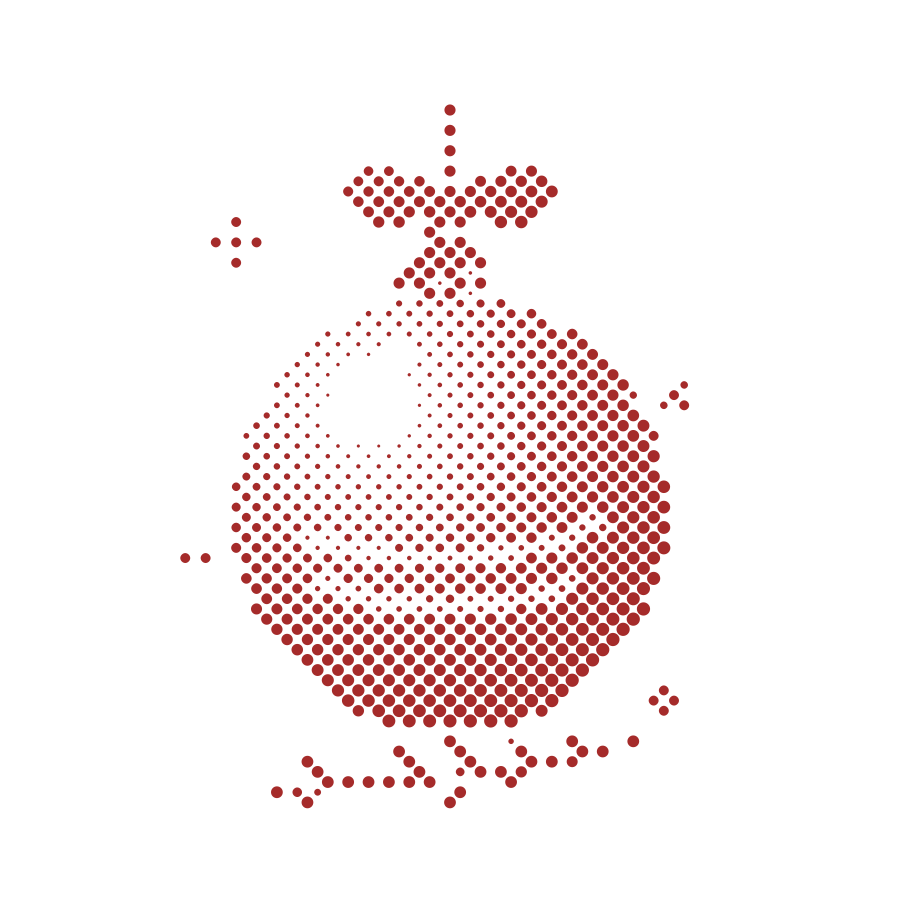
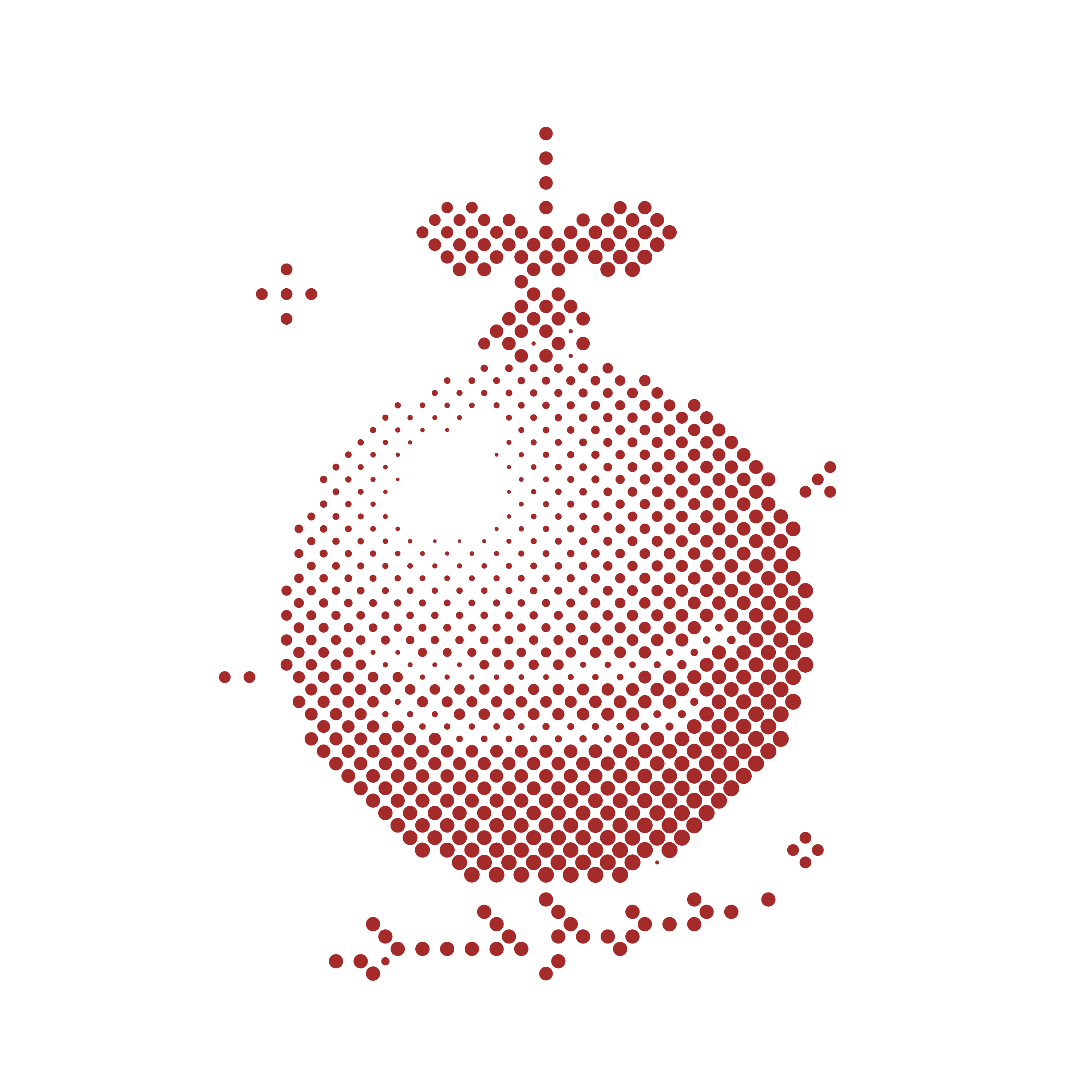
Sample PNG: 3000 × 3000 pixels, 10 × 10 inches at 300 ppi. Transparent areas show the preview checkerboard; it is not part of the file. Sample license
Make this Christmas design yours
The original ornament is loaded below. Adjust the dot texture, change the ink, or upload your own Christmas artwork. Export locally, for free.
Your image is processed in your browser and stays on this device.
Preparing your canvas… Free exports. Yours to make with.
Print size & dot spacing
Load an image to see its print dimensions.
Print PNG stores 300 pixels per inch, labelled 300 dpi. Grid density describes the pattern cells per inch (LPI), along the grid axes. Spacing and print size change this value; dot size changes the ink within each cell.
Print at the size shown to keep this density. Resizing the print changes it. This is an artistic pattern, including CMY simulation. For screen printing or colour separations, check the artwork with your print shop.
No signup. No watermark. Images stay on your device.
From ornament to usable artwork
- Keep the silhouette clear. The ornament’s smooth shading becomes dots of different sizes. Use Compare to check the original against the result.
- Choose the texture at final size. Start at 1.6% spacing, then try finer or bolder dots. Change the ink color for a different look. A fine texture on screen may lose detail in a small printed gift tag.
- Export for the job. SVG keeps the dots as vector shapes for scalable card and poster layouts. For DTF artwork, set your print width and export a transparent Print PNG. Check the file with your printer before ordering a transfer.
Before you send a Christmas DTF design to print
300 dpi describes the file’s pixel density at the chosen size. It does not guarantee printable dots. Inspect small highlights, leave room around the artwork, and ask your shop how its process handles tiny isolated dots and white ink. This editor creates an artistic one-color pattern; your print shop determines production settings.
Review your print dimensions · Arrange finished artwork on a gang sheet
Christmas halftone questions
Can I use this Christmas ornament in my own projects?
Yes. The original Winter light ornament and its halftone exports are released under CC0. You can edit them and use them in personal or commercial projects without attribution. This permission applies to this sample, not to images you upload.
How do I make a transparent Christmas PNG for DTF?
Keep Transparent background selected, choose your final print width in inches, then select Print PNG. The file contains 300 pixels per inch at that width and transparent spaces between the dots. Ask your print shop to check minimum dot size, white ink handling and the final physical size before printing.
Is this a free local tool?
Yes. The editor renders the artwork on your device and exports PNG and SVG for free. This Christmas workflow does not use an AI service or require an account.
Can I use a different Christmas image?
Use Upload image to open your own artwork in the same editor. Start with a clear shape and visible light-to-dark shading. Only use an image you own or have permission to use.